Engineering
with evidence

ForgeLoop governs AI-assisted work, connecting scoped contracts and command receipts to validator-backed completion.

Install ForgeLoop
Your agent builds.
ForgeLoop keeps the record.
Read the protocol
SCOPE
COMES FIRST

Define what may change and what completion requires.

Intent → contract → claims

Illustrative protocol walkthrough.

A loop you can inspect

Keep intent, execution and proof connected.
Every transition has a reason.

Set the contract

Before execution
forgeloop contract-create
  --task demo
  --preset documentation
  --json
Requirements are explicit.

Declare scope and requirements. Claims establish the task’s working boundaries.

Check the route

Before changes
forgeloop route
  --task demo
  --work code --json

forgeloop preflight
  --task demo --json
Gates precede execution.

Route the work and run preflight. Continue from the protocol’s canonical next action.

Capture the proof

During verification
run-check
  command provenance
  execution receipts
  verification evidence

source ↔ result
Execution leaves a record.

Record checks through the protocol. Preserve the link between commands, results and evidence.

Validate completion

At the completion gate
contract requirements
  + current evidence
  + passing gates
  + validator acceptance

COMPLETE / VALID
A verdict backed by evidence.

Completion depends on the validator. A model’s confidence alone cannot close the task.

CLI excerpts and conceptual verification records. Full command reference

Follow the evidence

A completion claim should have a trail you can follow.

The repository’s real-execution proof of concept connects workload changes, trusted provenance, command receipts and a technical audit.

Inspect the execution PoC

Make the record visible

ForgeLoopAudit, the read-only companion,
brings protocol state into view.

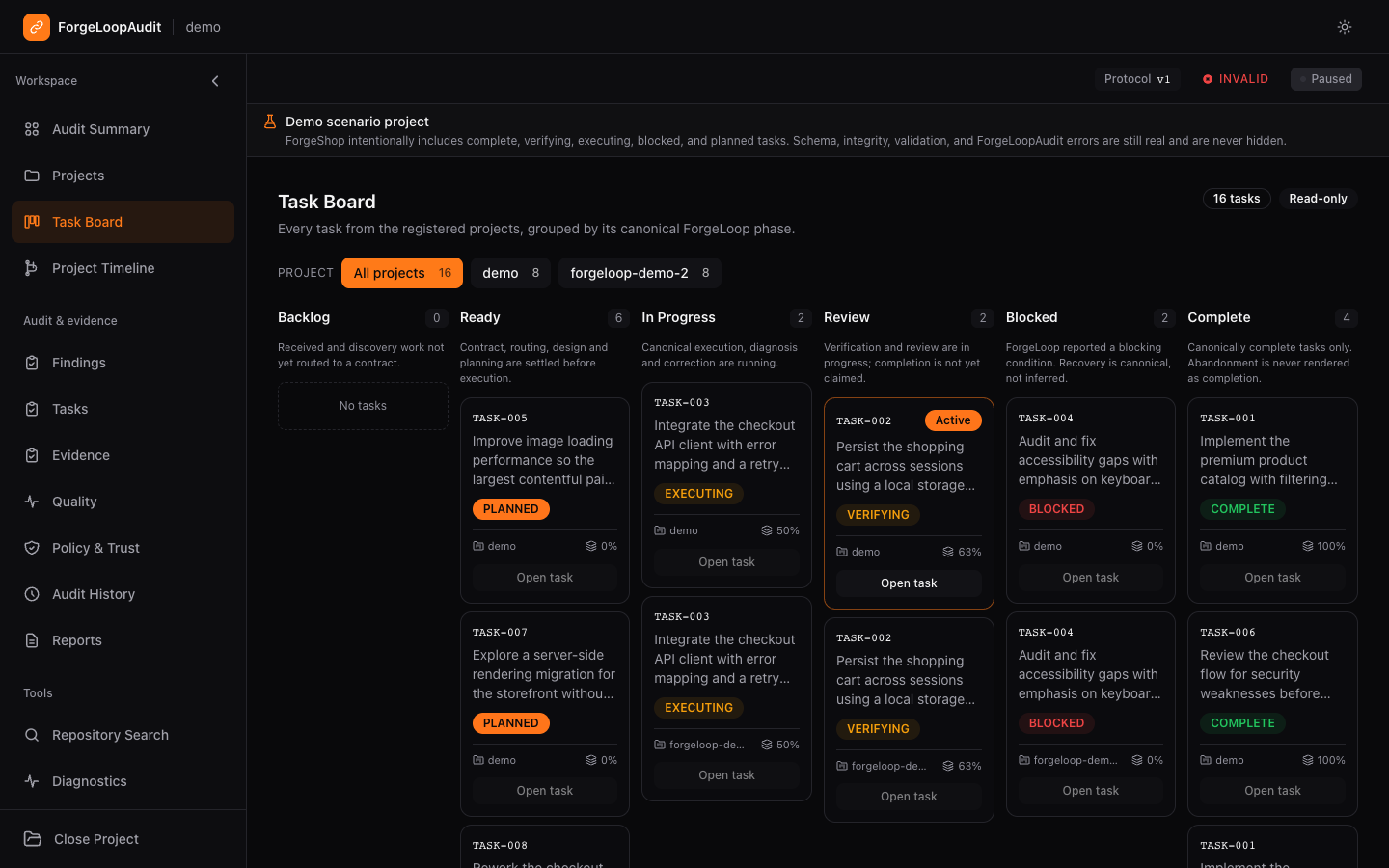
ForgeLoopAudit demo task board showing tasks across canonical lifecycle statuses
The lifecycle, at a glanceSee where tasks stand across projects.
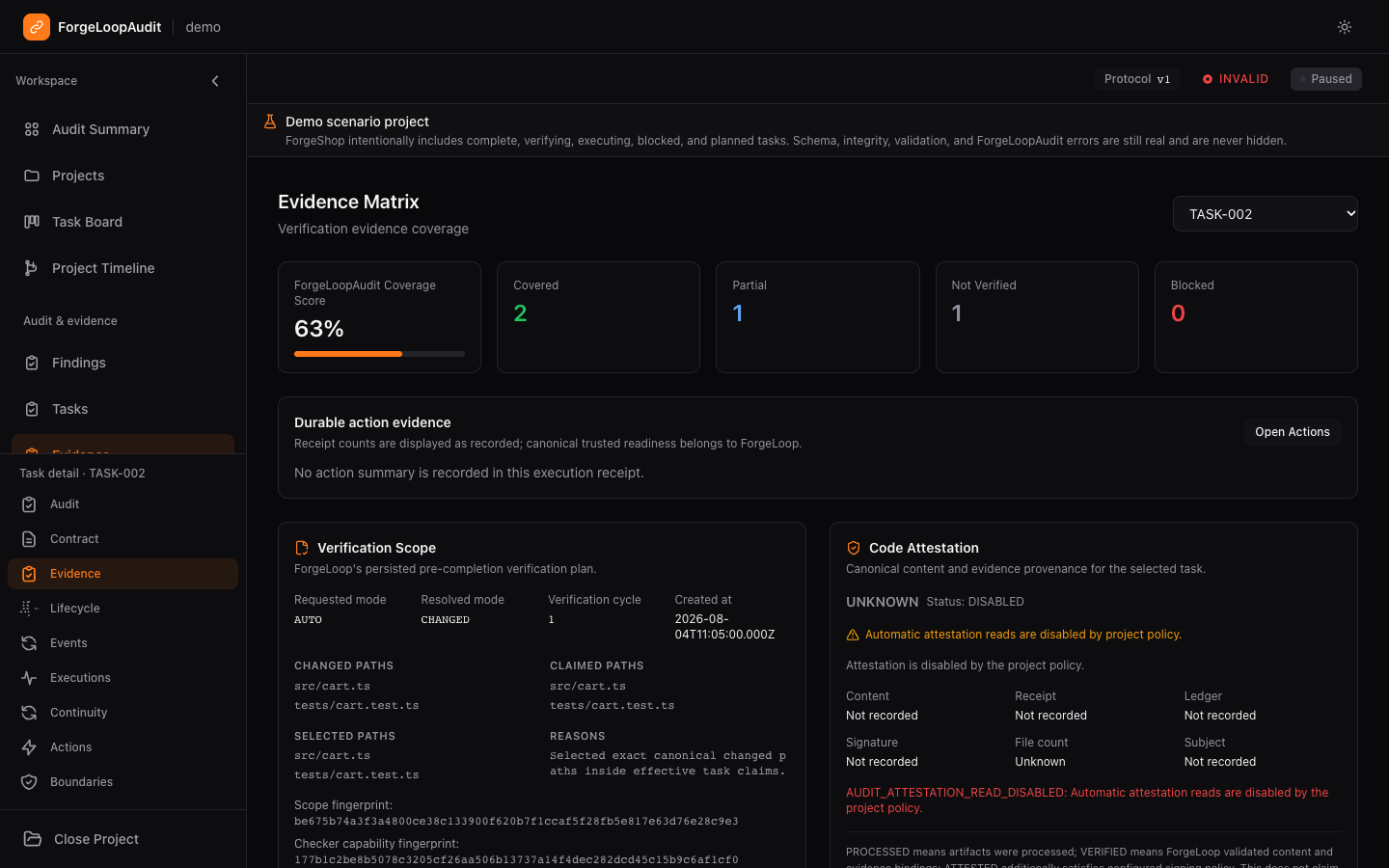
ForgeLoopAudit evidence view with verification scope and recorded task evidence
Trace the verificationInspect coverage and execution evidence.
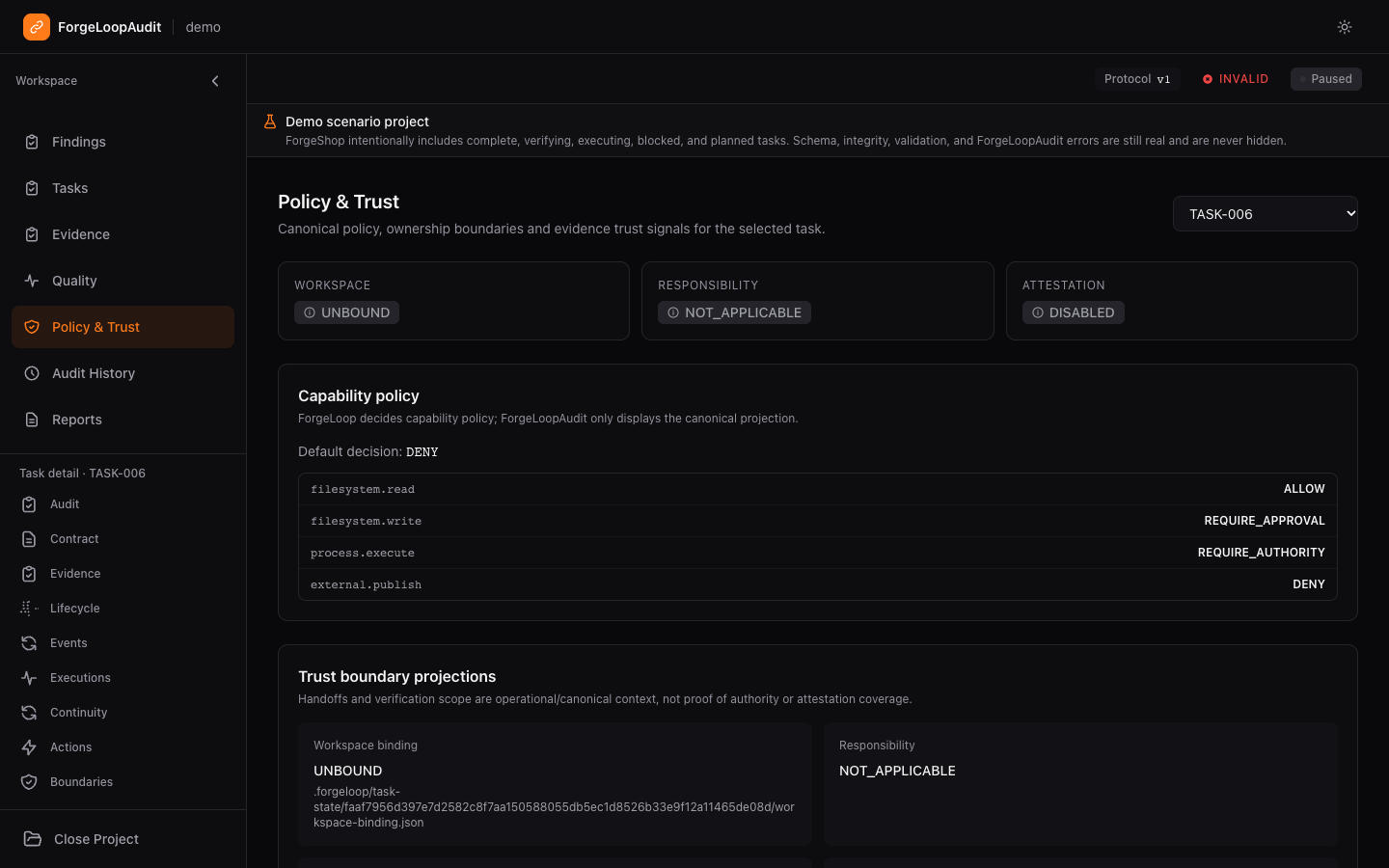
ForgeLoopAudit policy and trust view showing task boundaries and attestation status
Keep trust explicitSeparate policy, boundaries and attestation.
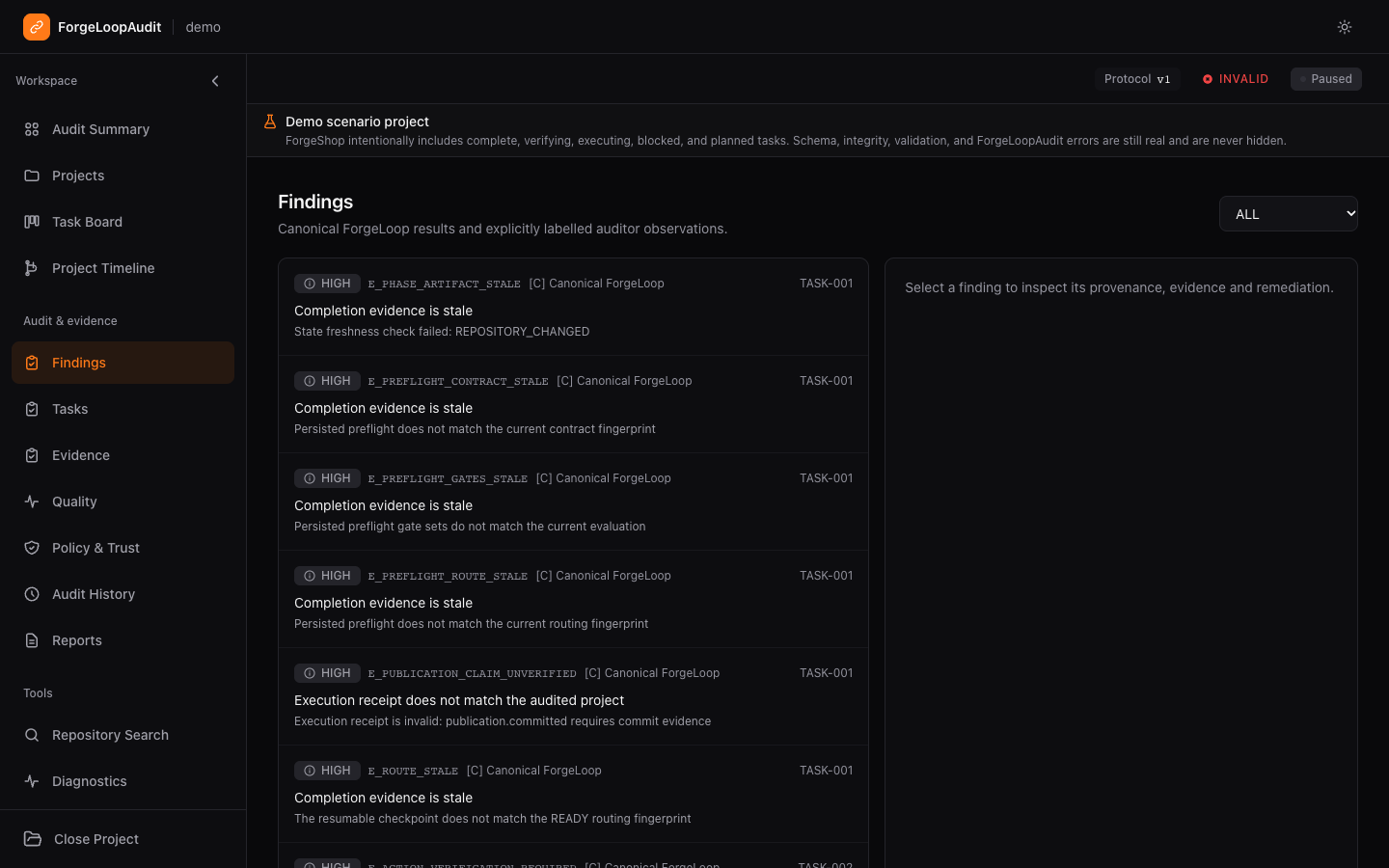
ForgeLoopAudit findings view exposing demo scenario warnings with provenance
Surface what needs attentionRead findings with their provenance intact.

Real documentation captures of the ForgeShop demo scenario. Some tasks intentionally show blocked or invalid states.

Explore ForgeLoopAudit

Your harness.
One protocol.

Keep implementation in your agent. Keep lifecycle authority in ForgeLoop.

Use the CLI or public Integration API with your engineering harness. MCP is optional. Jev provides bounded semantic input; ForgeLoop owns gates, evidence, recovery and completion truth.

Read about cross-harness continuity

Before you build

Does ForgeLoop write the code?

Your agent or developer implements the changes. ForgeLoop governs lifecycle, scope, gates, command provenance, evidence and validated completion.

What do I need to run it?

The public core package requires Node.js 24.19.0 or later with node:sqlite. Semantic checkpoints require a host-configured TYPESAFE_API_KEY, which ForgeLoop never persists.

Where does project state live?

Mutable operational state is stored in .forgeloop/state.sqlite. Legacy state must be migrated explicitly. The protocol includes diagnostics and supported recovery paths.

Can I use my existing agent?

Integrate through the CLI or public Integration API. ForgeLoop does not schedule agents or perform LLM inference. The MCP companion is optional and retains restricted distribution.

Is commercial use included?

ForgeLoop-owned source and documentation use the PolyForm Noncommercial License 1.0.0. That license does not grant commercial use. Read the license before adopting it.

Is this a stable production release?

The core is publicly available on npm as a release candidate. Stable SQLite acceptance is still incomplete. Review the repository’s current release and readiness documentation for your intended use.

Start with a contract

Install the public core. Initialize a project.
Let the next action guide the work.

Install ForgeLoop

Node.js 24.19.0+ · Release candidate
PolyForm Noncommercial 1.0.0

In your terminal
npm install --global @cassiomc1/forgeloop
forgeloop init
forgeloop doctor

Run inside your project directory.

Open the guide. Build with a verifiable record.BUILD